
Themes
Four more gemstones.
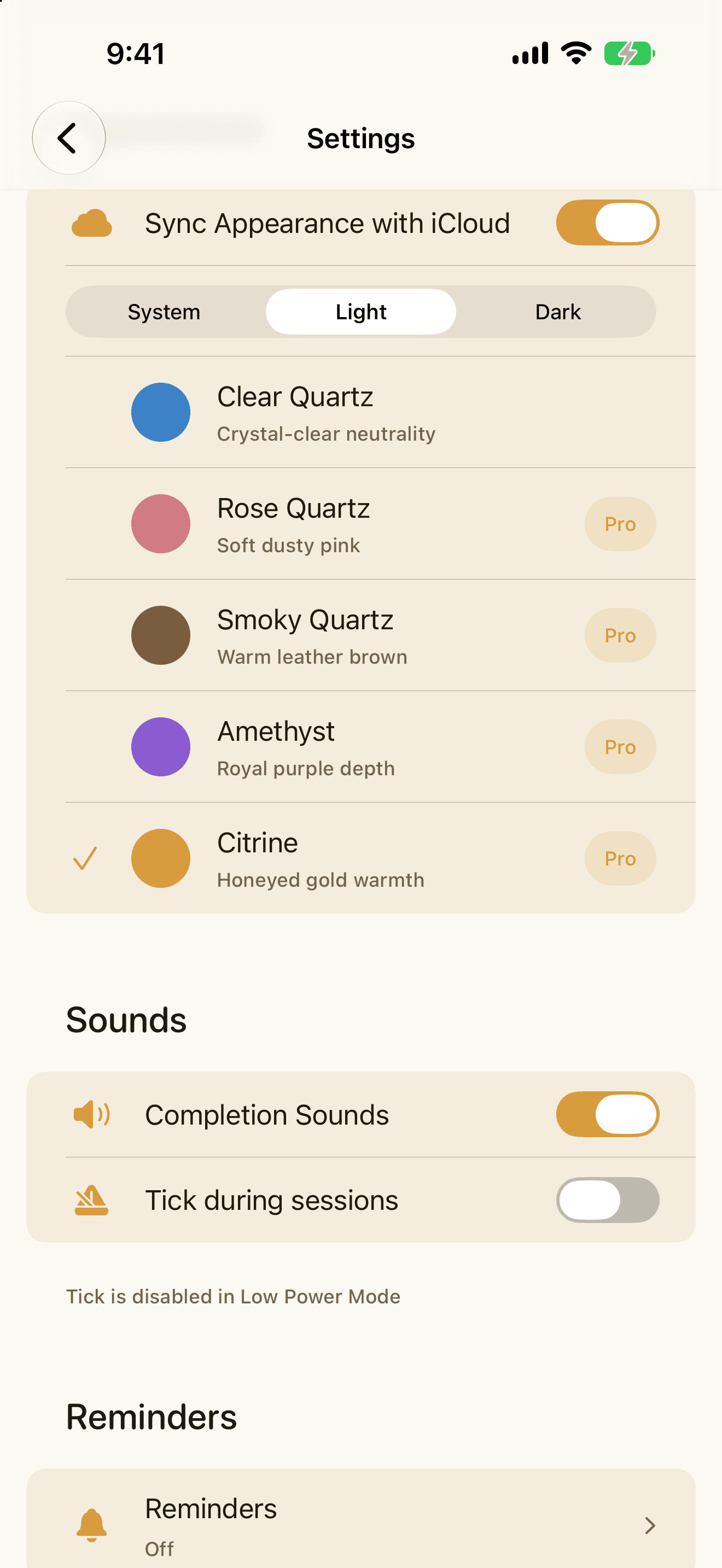
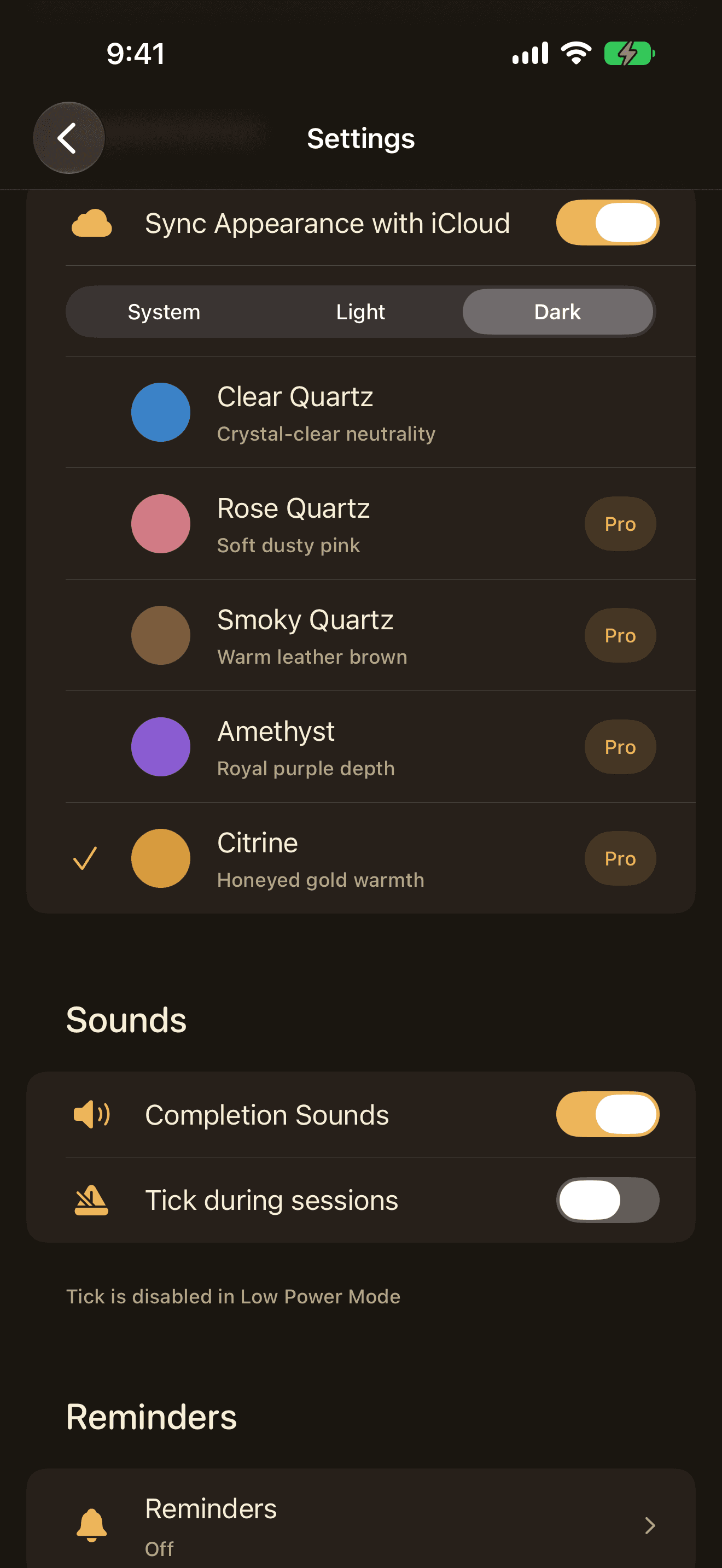
Rose, Smoky, Amethyst, and Citrine, everywhere Quartz runs. Clear stays free for everyone; Pro adds the other four, and the one you pick follows you to every device you use.
Quartz Pro
Themes
Rose, Smoky, Amethyst, and Citrine, everywhere Quartz runs. Clear stays free for everyone; Pro adds the other four, and the one you pick follows you to every device you use.
Named presets
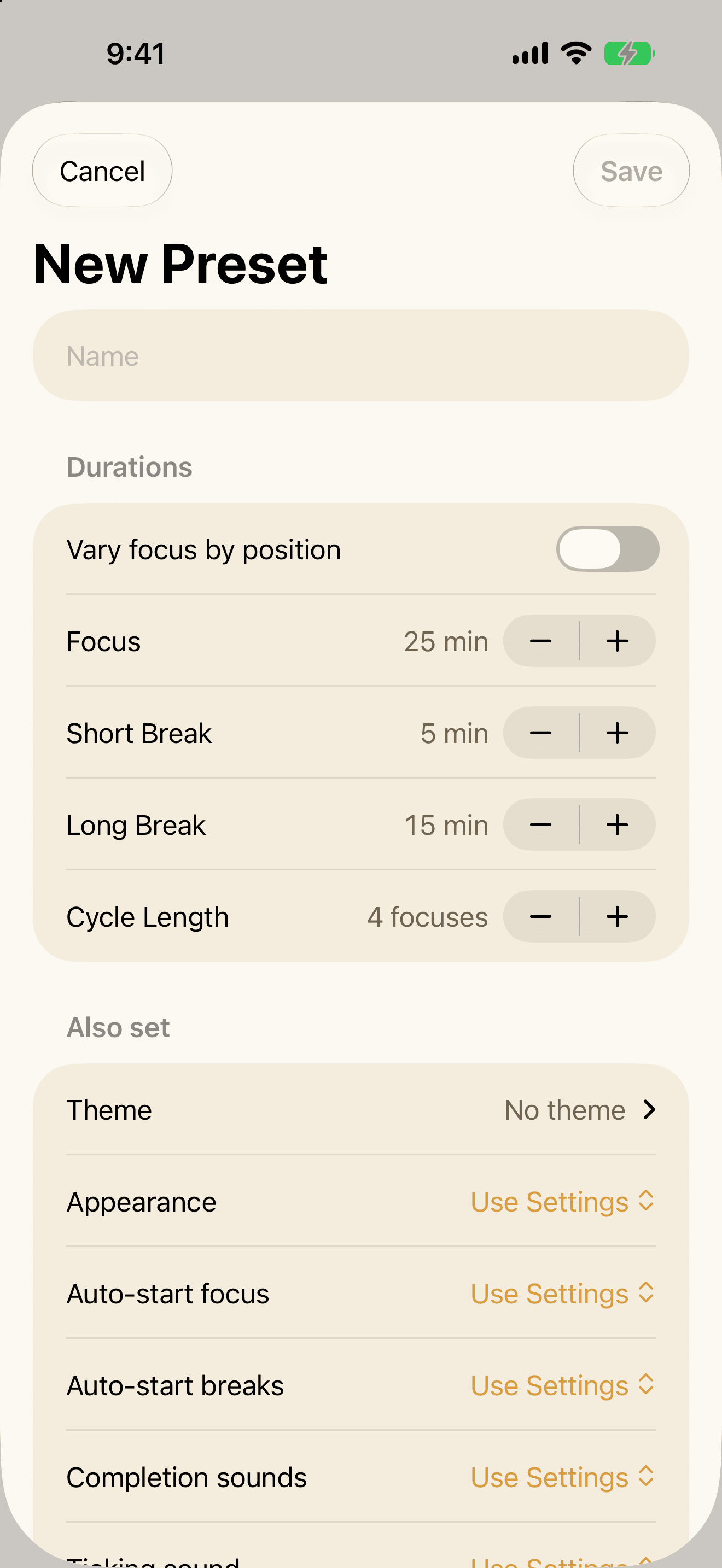
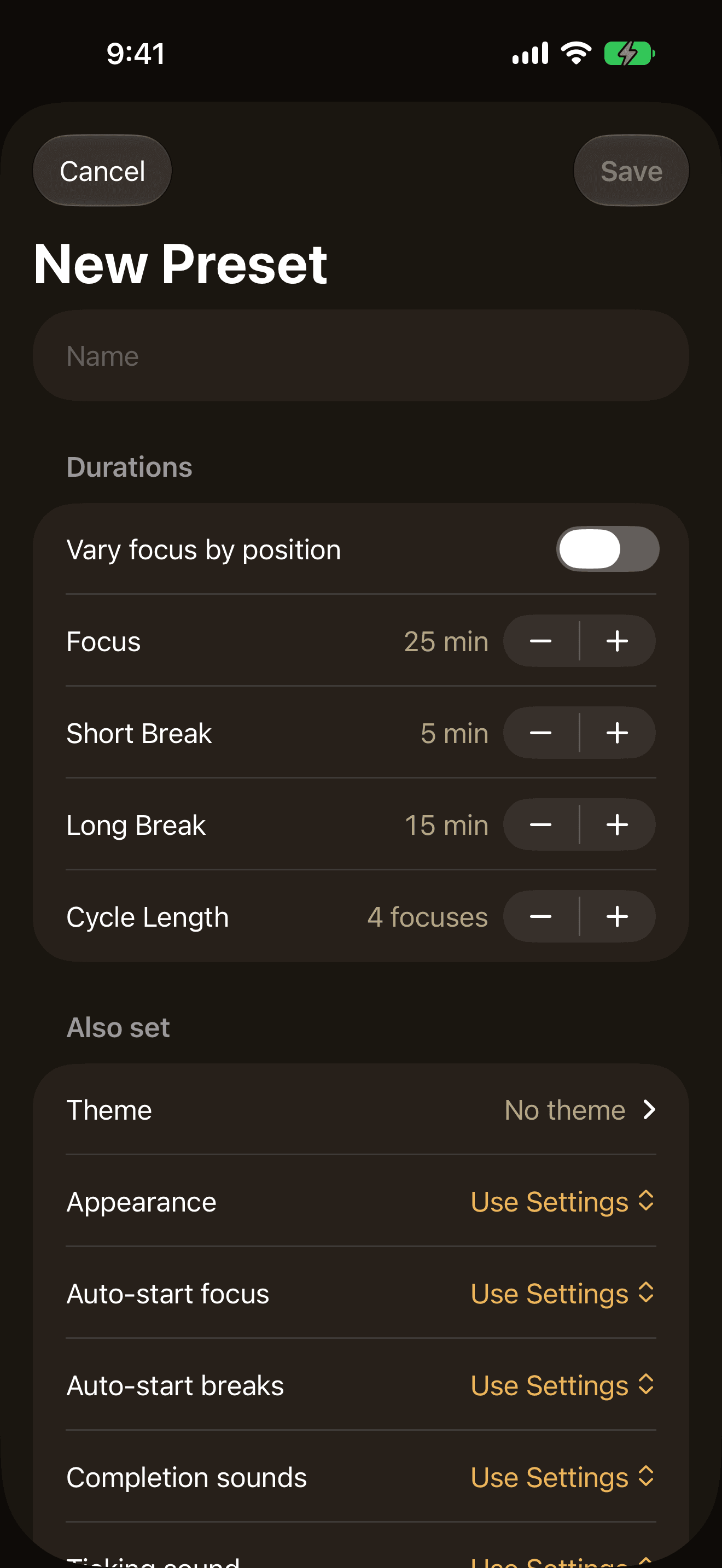
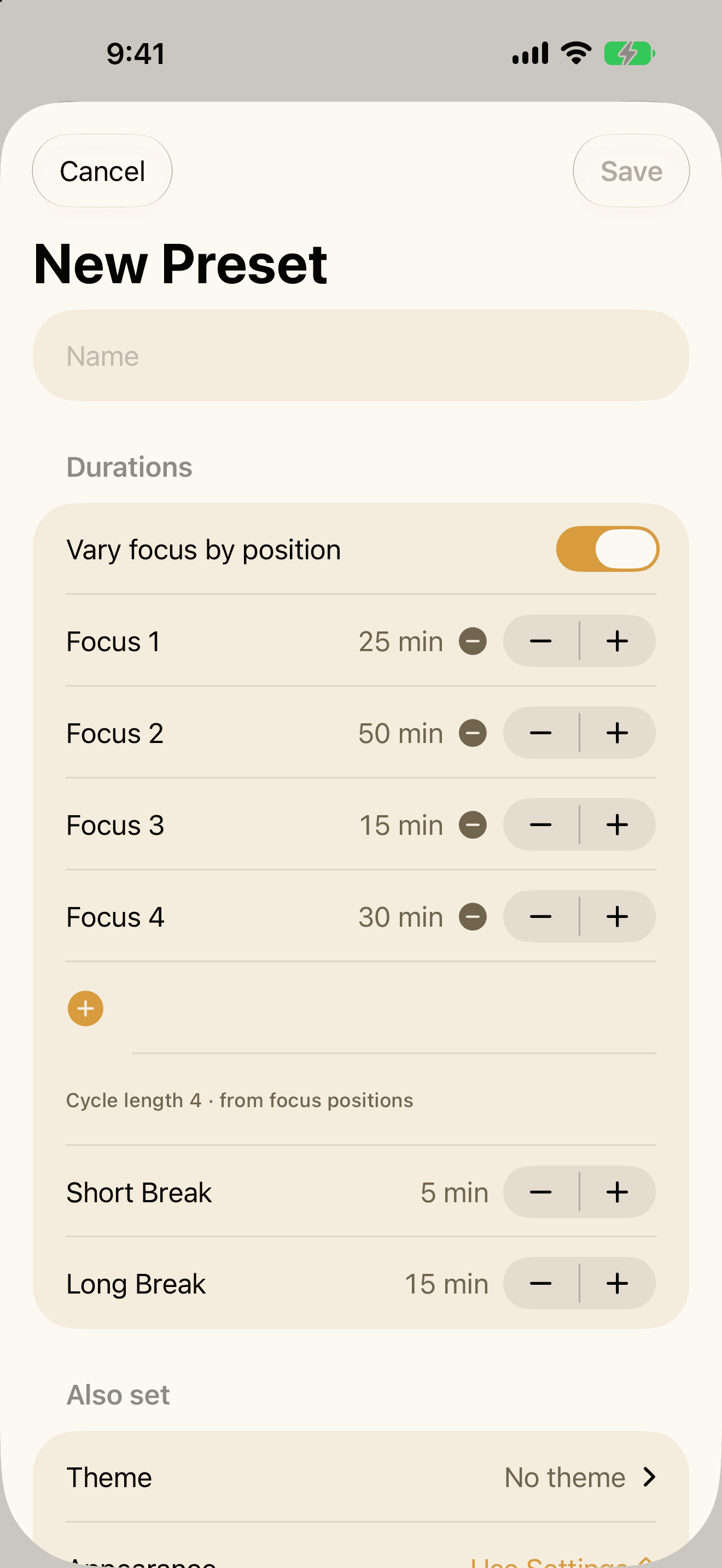
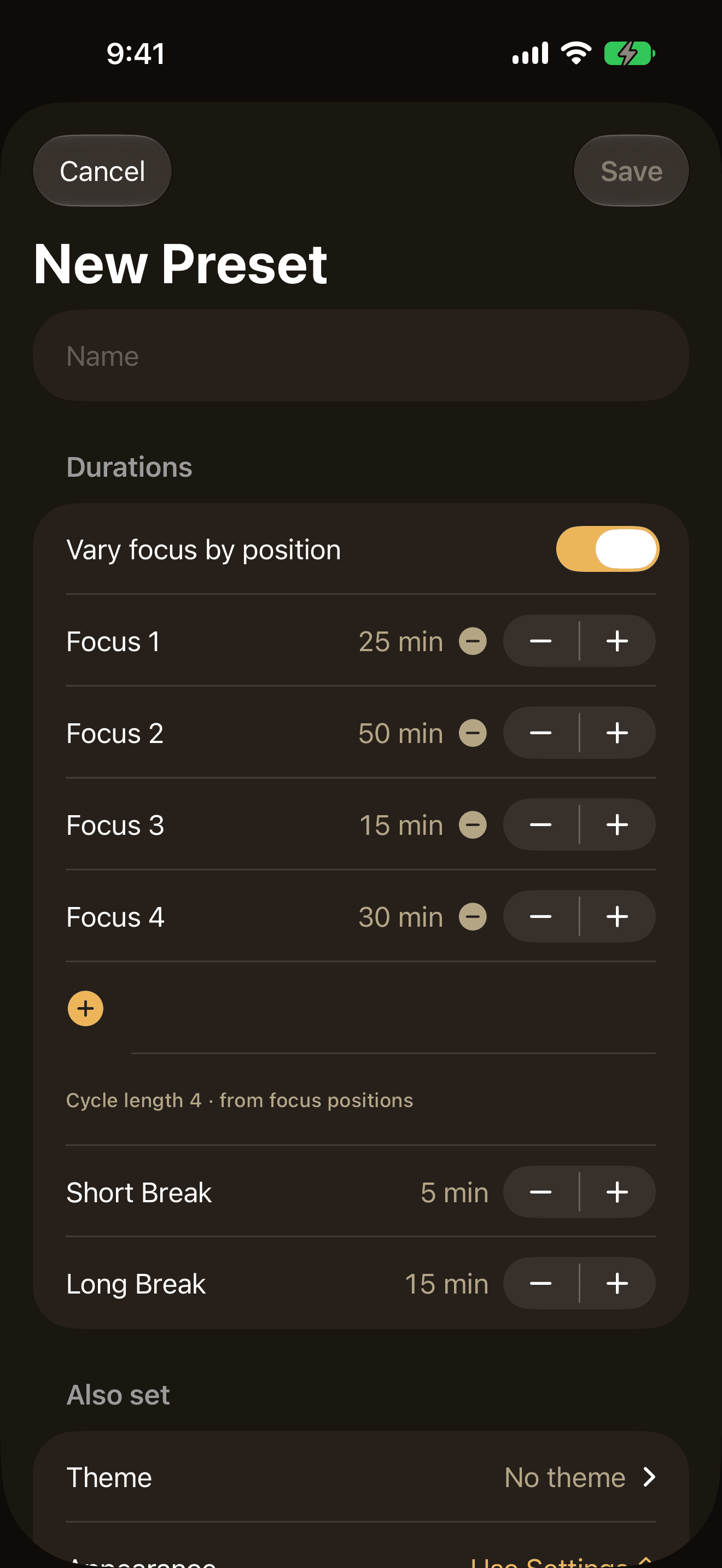
A saved preset holds more than durations. It can carry a theme, a light or dark appearance, your sounds and your auto-start rules — so naming a setup once brings the whole thing back in a tap.
Starters
Deep Work runs 90/20/30. Ultradian runs 90/30/45. 52 / 17 runs 52/17/34. Classic 25/5/15 stays free for everyone — Pro unlocks the other three, tuned and ready to tap.
Sequences
Different lengths for each session in a cycle — 25, 25, 50, then the long break you planned. Not every hour of the day deserves the same box.
Custom presets
Create your own presets — a session shape with a theme and sounds if you like — and switch in a tap. Deep Work, Ultradian, and 52-17 included.
Flowmodoro
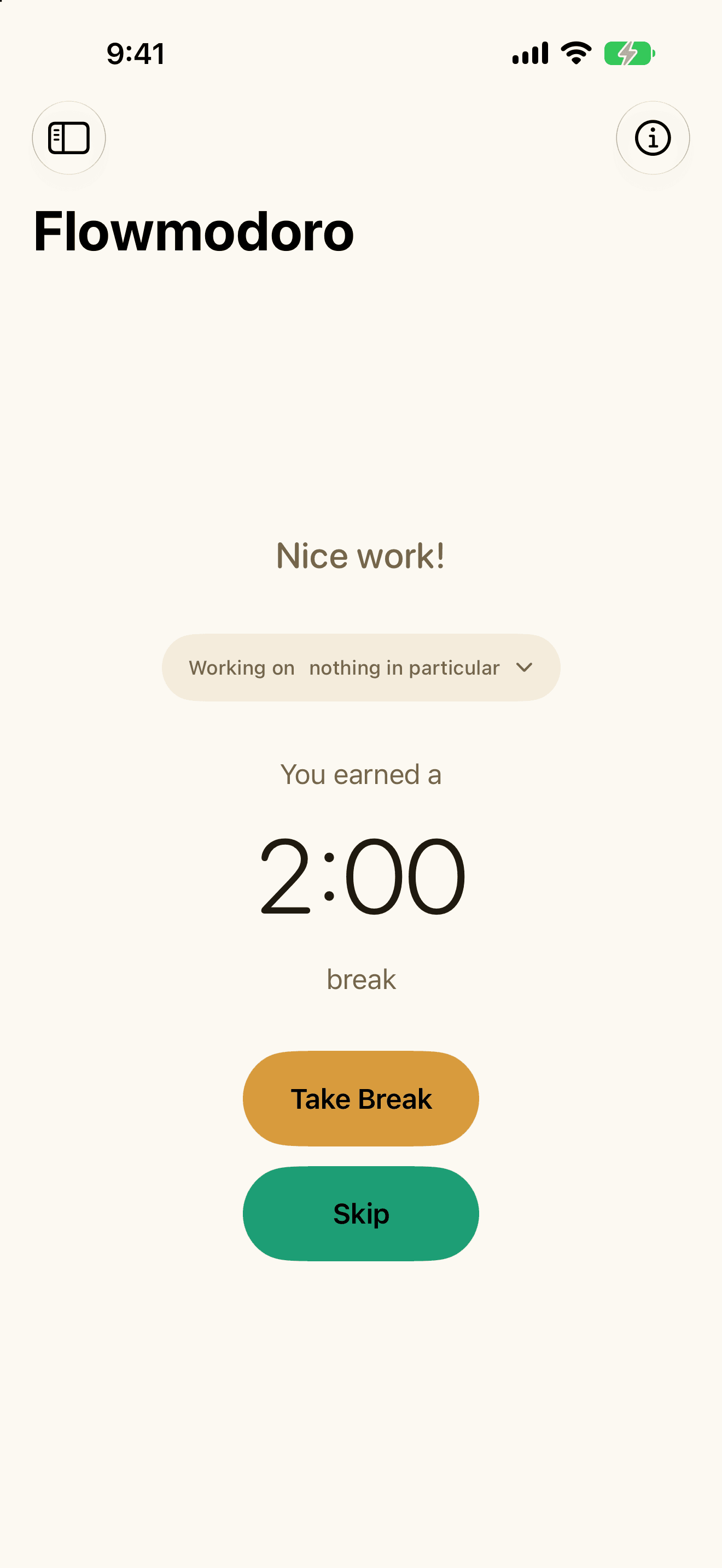
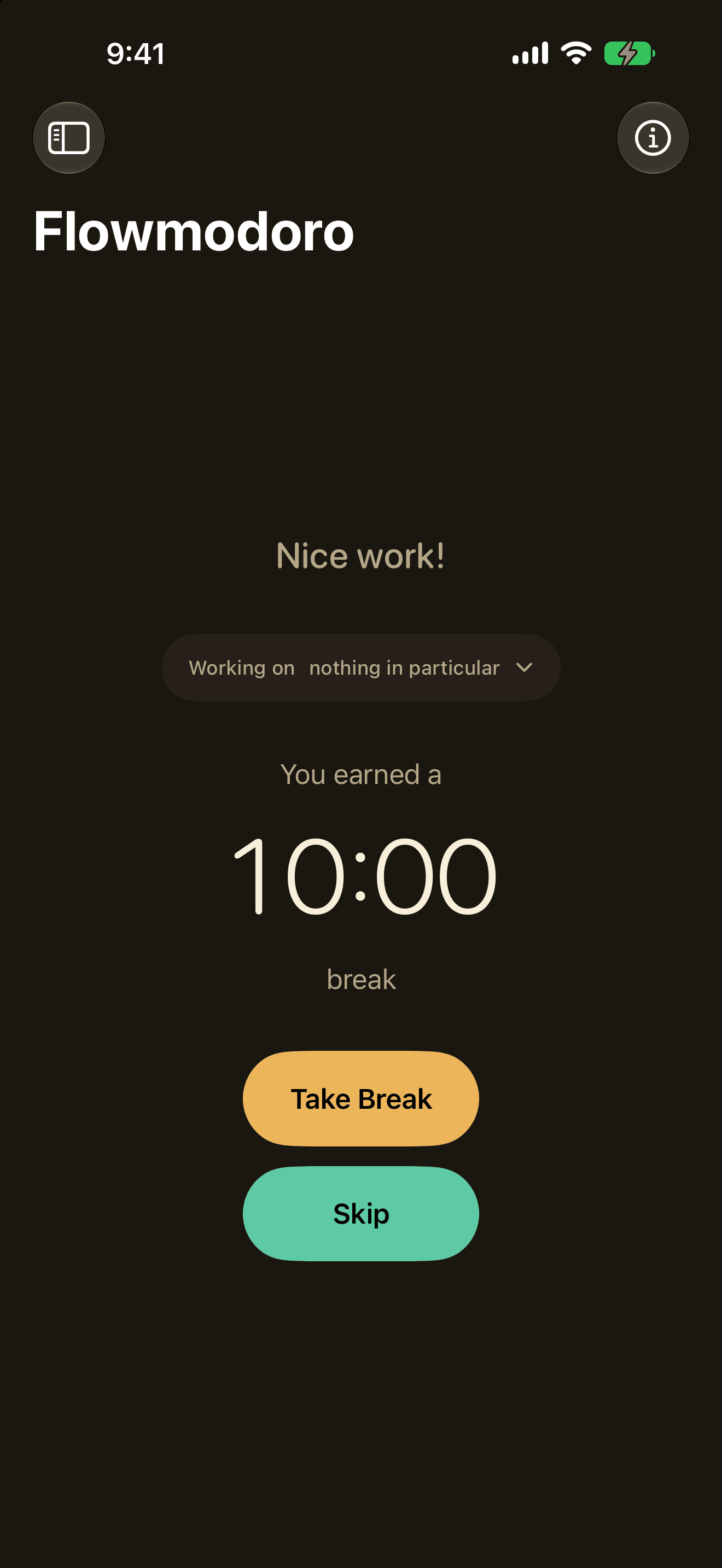
Work as long as your focus lasts; Quartz sizes your break to the flow — 50 minutes earns a 10-minute break. One minute of break for every five of work, so the rest is earned rather than guessed.
Insights
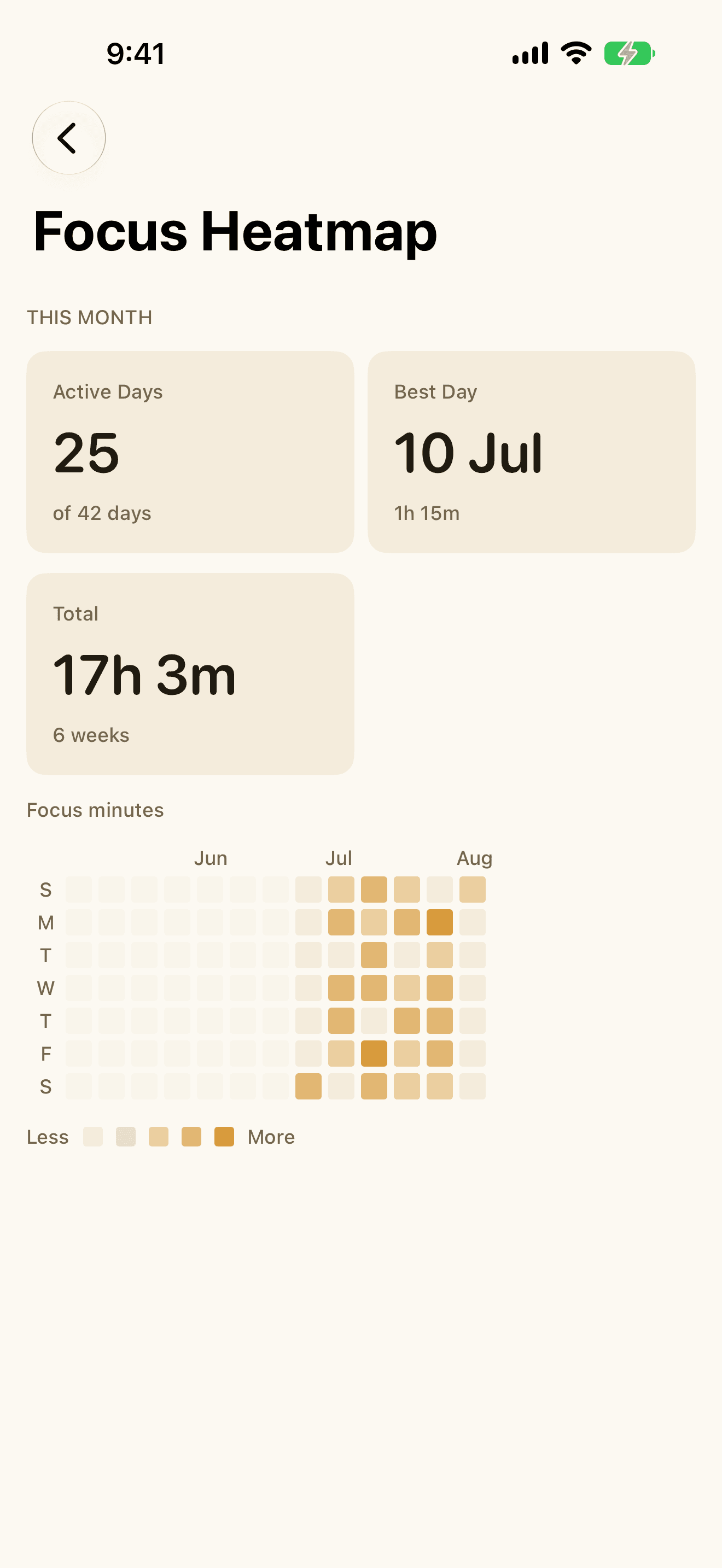
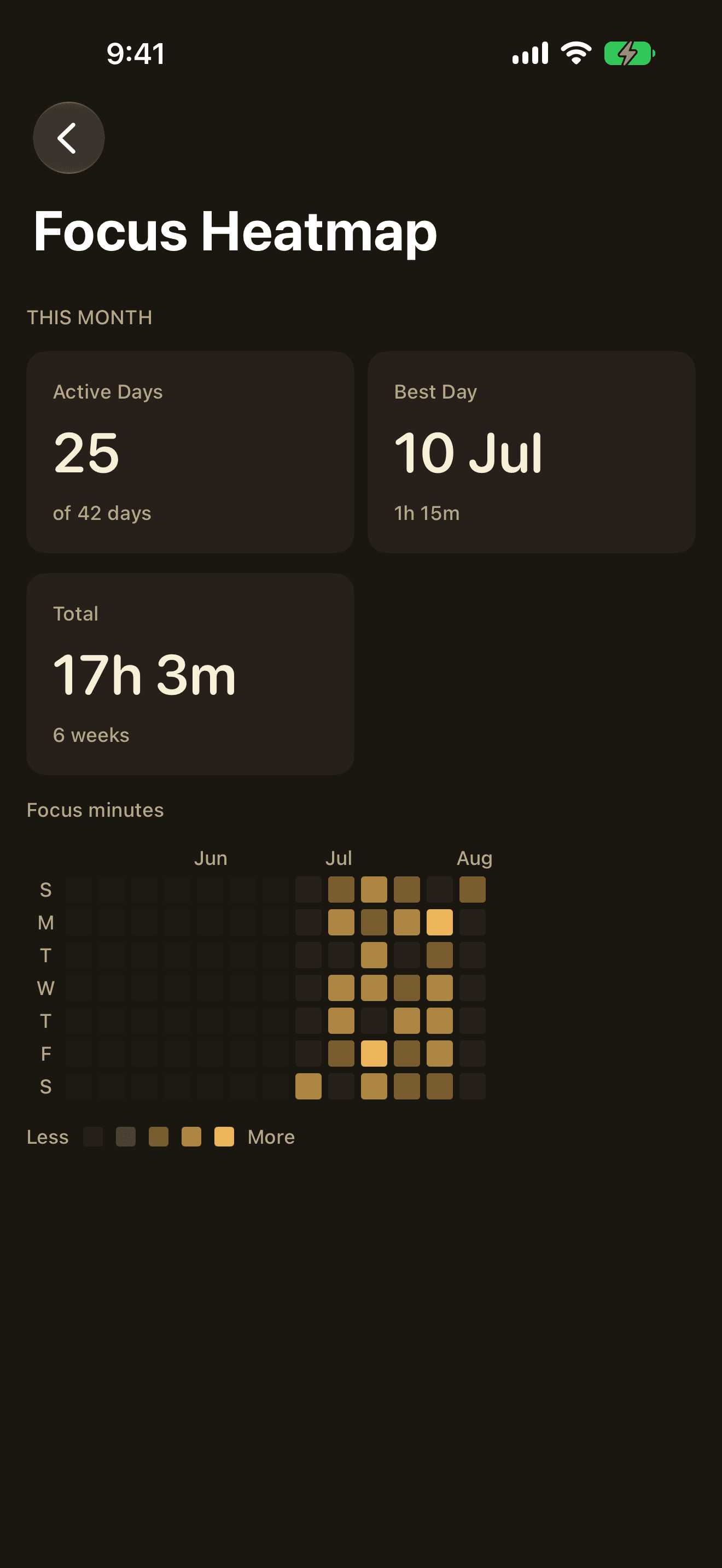
Completion rate, streaks, adherence, your best hours and days, the focus heatmap, and per-device breakdowns. An honest record of where the time actually went.
Pomodoro and Free Roam are unlimited and free, with the full timer, tasks, history and your core focus stats. Pro adds the seven above — it never takes anything away.